Dictation anywhere
Hold the global shortcut, speak, and release to transcribe straight into the focused app.

Private-by-default voice dictation, meeting transcription, and Markdown notes for Windows, macOS, and Linux — with fast local Parakeet, broad-language Whisper, or optional cloud transcription.
> irm https://raw.githubusercontent.com/a-streetcoder/CrunchyMurmur/main/install.ps1 | iex
$ curl -fsSL https://raw.githubusercontent.com/a-streetcoder/CrunchyMurmur/main/install.sh | sh
The installer detects your OS and architecture, downloads the latest release, and verifies it against the published SHA-256 digest before installing.
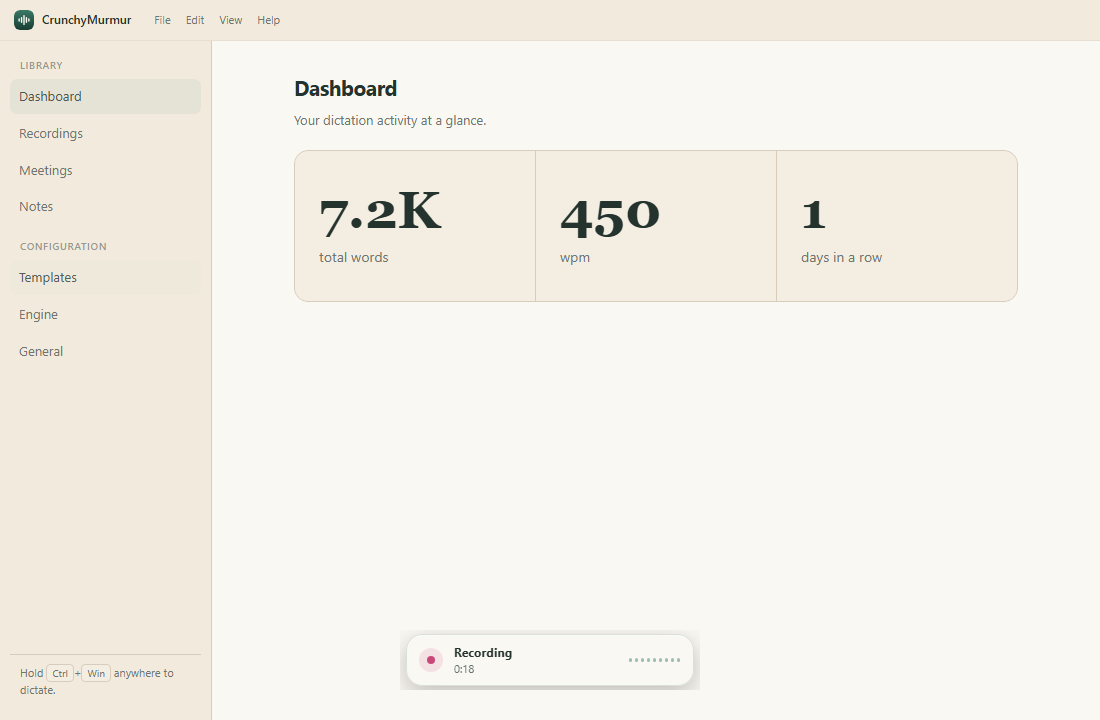
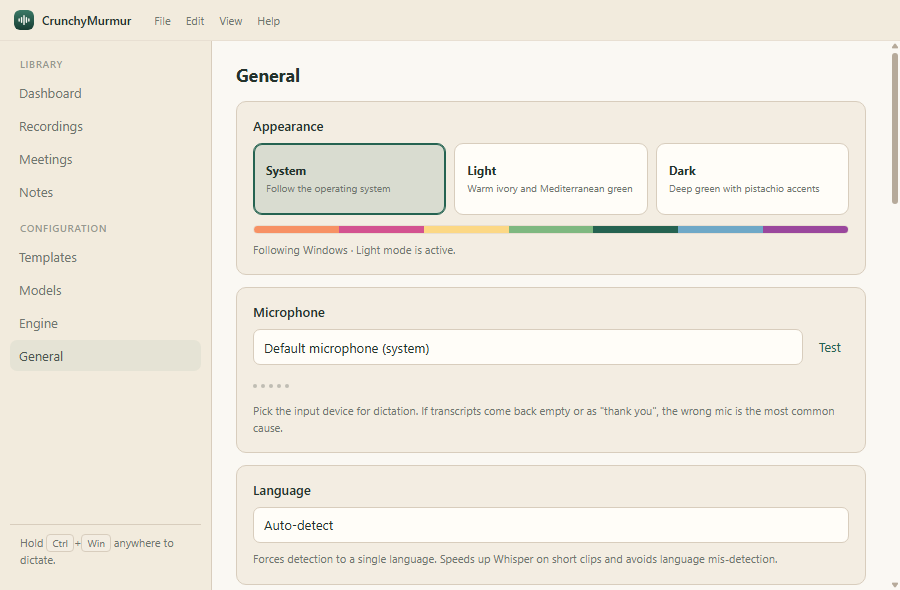
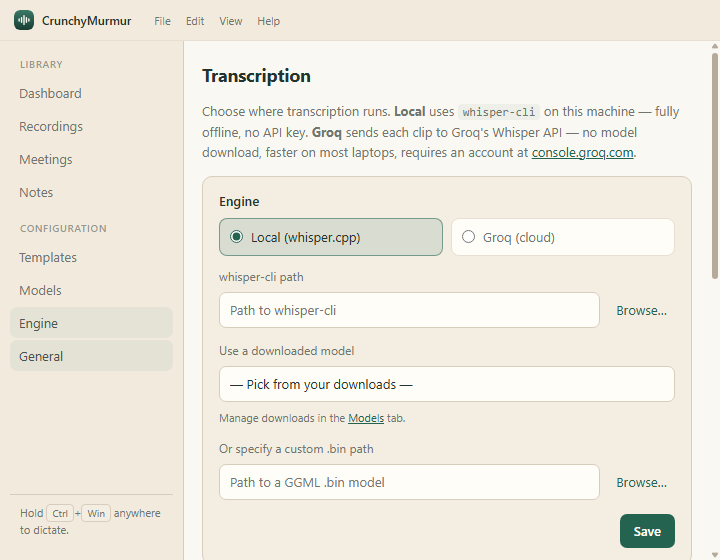
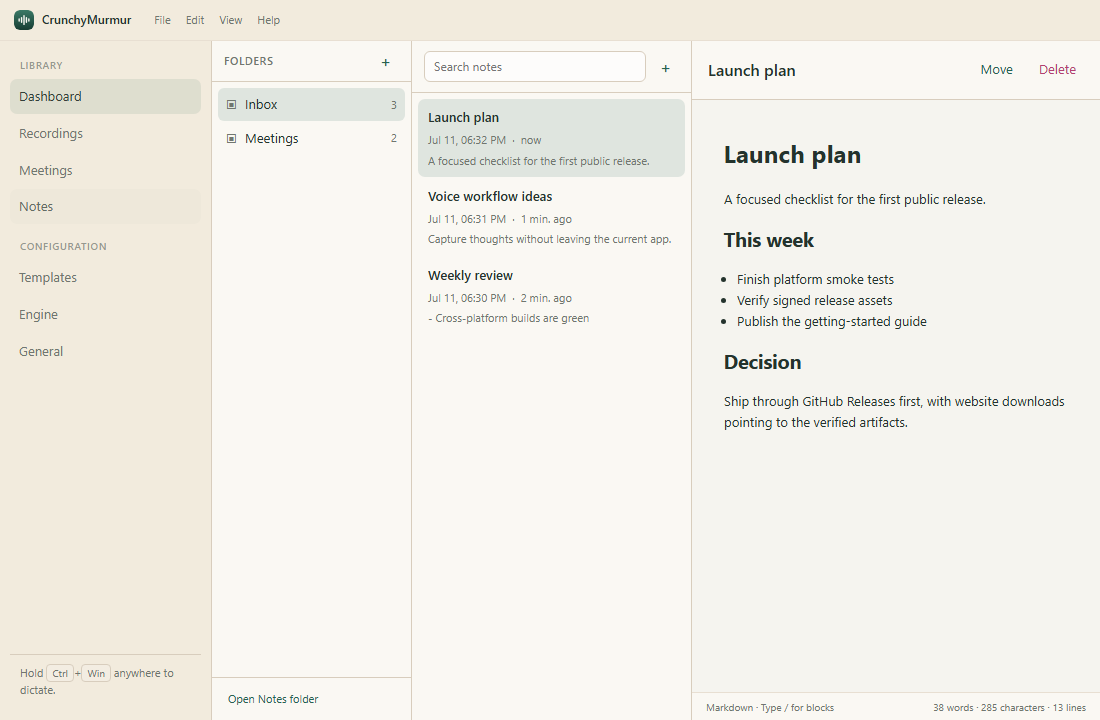
Hold the global shortcut, speak, and release to transcribe straight into the focused app.
Record your microphone and, where supported, system audio as separate speaker-labelled tracks.
Edit notes, meeting notes, and reusable AI templates with write, split, and preview modes.
Use whisper.cpp fully offline. No account, no advertising SDK, no project-operated telemetry.
Track dictated words, weighted words per minute, and consecutive active days on your device.
Signed packages, checksums, SBOMs, provenance attestations, and stable in-app updates from GitHub Releases.
The interface is available in 12 languages. It follows your system language by default, or pick one in Settings — changes apply instantly, no restart needed.
CrunchyMurmur shares its data model and most product features across Windows, macOS, and Linux. Native integrations intentionally differ where no reliable portable API exists.
| Capability | Windows | macOS | Linux |
|---|---|---|---|
| Dashboard, word count, WPM, streak | Supported | Supported | Supported |
| Local whisper.cpp and Groq transcription | Supported | Supported | Supported |
| Bundled persistent local model session | Supported | Supported | Supported |
| Parakeet V3 local transcription | Supported | Supported | Supported |
| AI formatting and AI Notes providers | Supported | Supported | Supported |
| Notes, templates, recordings, retention | Supported | Supported | Supported |
| Localised interface (12 languages) | Supported | Supported | Supported |
| Meeting microphone capture | Supported | Supported | Supported |
| Meeting system/call audio | Supported | Supported on macOS 13+ | Not currently supported |
| Speaker-labelled chunked transcription | When both tracks exist | When both tracks exist | Microphone labelled YOU |
| Default global shortcut | Hold Ctrl + Win | Hold Fn | Configurable toggle |
| Calendar | ICS feeds | Native EventKit and ICS feeds | ICS feeds |
| Automatic paste | Native input simulation | Accessibility / Automation | wtype or xdotool |
| Packages | NSIS x64 / ARM64 | Signed & notarized universal DMG / ZIP | AppImage and Debian x64 / ARM64 |
| Updates | Automatic | Automatic | AppImage automatic; Debian reinstall |
Read the docs here on the site — rendered live from the GitHub repository, so they are always current.
Install, pick a transcription engine, and make your first dictation.
Dictation, meetings, notes, the dashboard, and what each provider receives.
The full capability matrix and Linux desktop requirements.
How automatic updates work and how to verify them.
Fix empty transcripts, permission issues, and engine mismatches.
One-command source bootstraps and manual development setup.
Process model, security boundaries, and how the pieces fit together.
Developer design for the reusable local transcription engine and native adapters.
The complete index, including the roadmap, project status, and release process.
Packages are published on GitHub Releases with checksums and provenance attestations.
NSIS installer, Windows 10/11
Temporarily self-signed until 10 July 2027. Windows SmartScreen may warn; verify the published checksum and provenance.
x64 installer ARM64 installerSigned & notarized, macOS 13+
Universal DMG Universal ZIPAppImage and Debian packages
AppImage x64 Debian x64 ARM64 buildsPrefer the terminal? The verified installer picks the right package for you. All downloads: github.com/a-streetcoder/CrunchyMurmur/releases